After you have downloaded the installer and installed it on your system, you will find Bridge Compass under your computer's menu. This is how it looks when you run it.
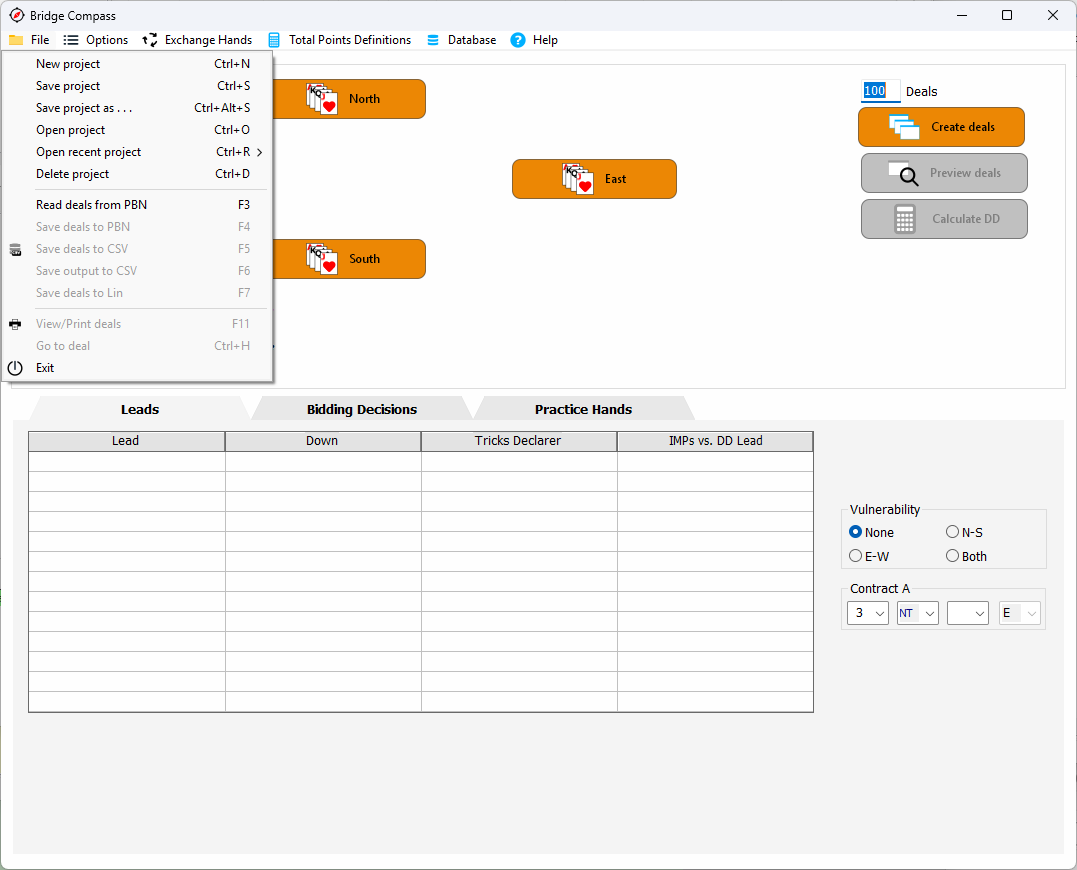
You can start doing your thing right away but let's have a quick look at the File Menu. It is talking about 'projects'. Everything can be seen as a little project. How to check a lead or make some blueprints for hand practice bidding. Like working with a text editor, you can decide to save your documents or not. If you do, your projects will be saved into the Bridge Compass database that came along with your installation. So no files wandering around on your computer.
Bridge Compass has three main components. Leads, Bidding Decisions and Practice hands. They all work alike. You define the patterns of a hand through the North, East, West and South buttons. Then you create some deals and inspect them with the Preview button (or View/Print). This way you can see if the hands are correct and modify your specifications a little bit. Usually you have to do this a couple of times before getting it right. Then you hit the 'Calculate DD' button to see the results.
Note: whenever you hit "Create deals" or change the hand definitions the current set of deals (with the calculated values) will be deleted.