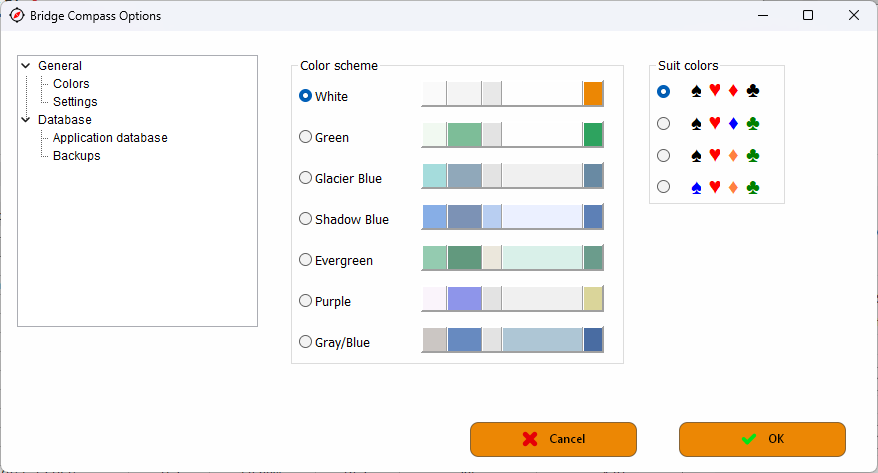
The option screen is pretty straight forward. You can set your color scheme, colors of the card symbols, input and output folders etc.
The database section may need some attention. In the database section you find all the information about this subject but here you can set up automatic backups. It is also possible to make a manual backup.
The 'Application database' screen.
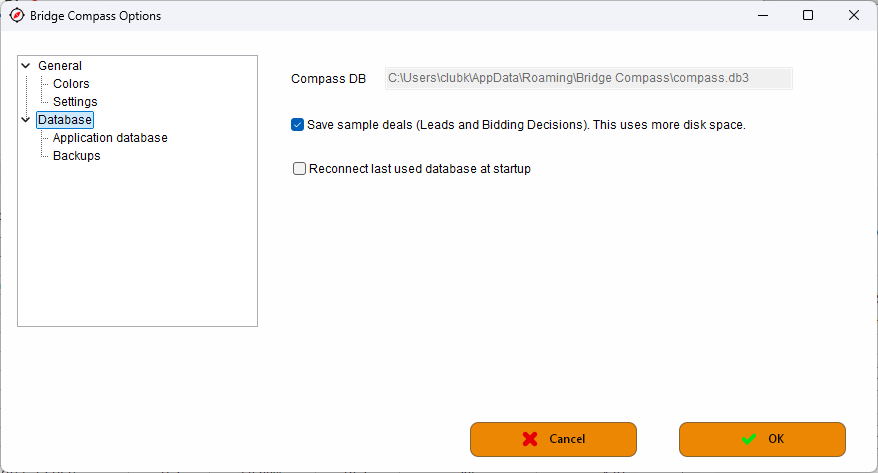
In these settings you see where your database is installed. You can't modify this. The option 'Save sample deals' is unchecked by default. For the Lead and Bidding Decisions you usually create and calculate a lot of deals. This takes some time. If you close your project these deals and calculations are deleted if the option is unchecked. If you check the option, you have the conclusions available next time you open the project. So it is a choice between disk space and time. That is up to you. Through the database menu you can always delete the boards of the Lead and Bidding Decision projects. The type of a project is set to the tab you are on. But for this functionality it looks which type it was at the moment the boards were created.
In Bridge Compass you can work with other databases then the default. Checking the 'Reconnect' option will reconnect your last used database.